Adds it all up
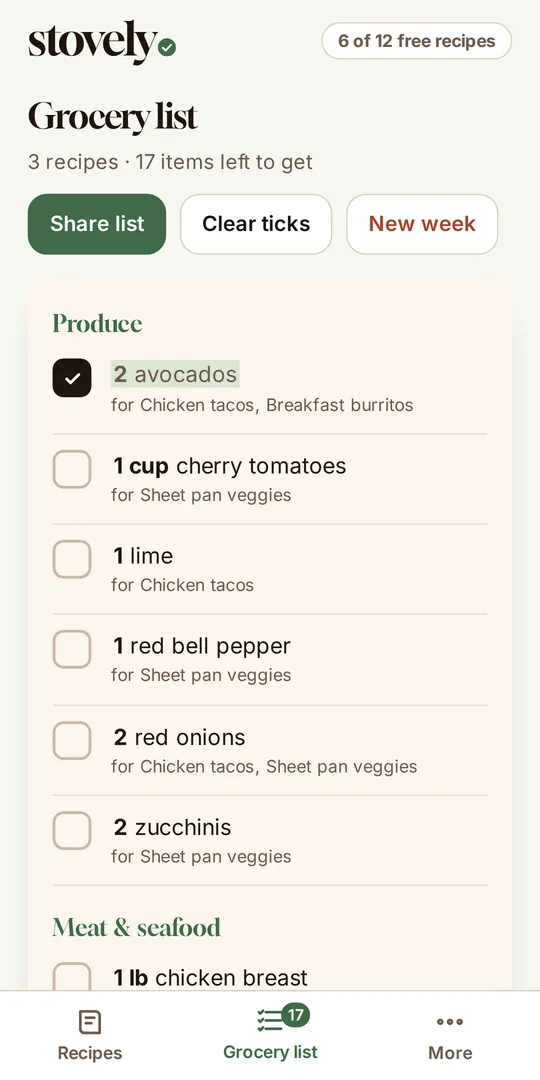
½ cup of milk in one recipe and 1½ cups in another become 2 cups on your list.
How it works
Stovely works with your recipes, not a built-in library. It feels like a tidy notepad on the fridge, not a big meal-kit service.
Type the ingredients, paste them in, or import a recipe by pasting a link from a recipe website.
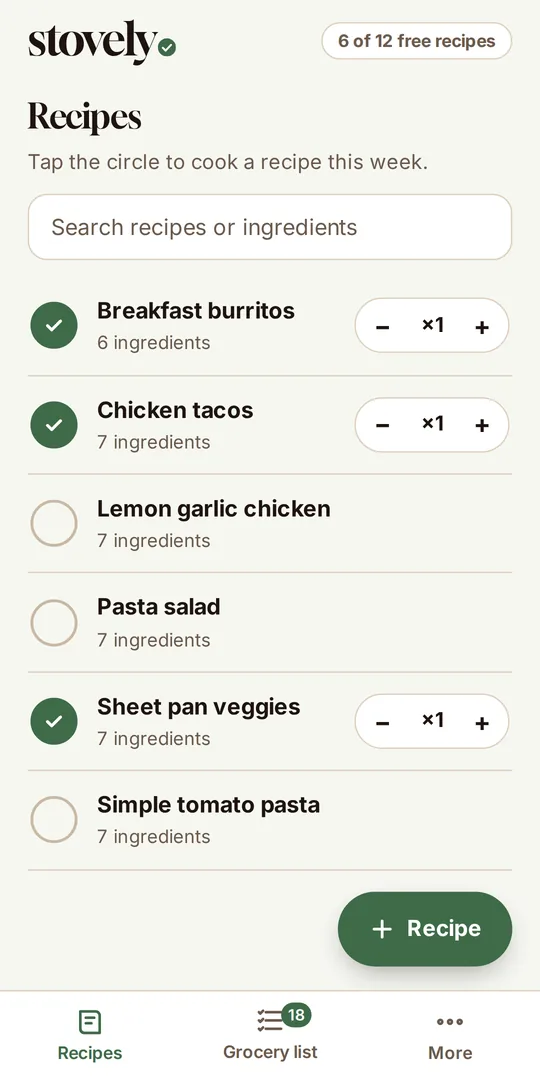
Tap the circle next to the recipes you’re cooking. Doubling one? Just tap plus.
Matching ingredients are combined and sorted by aisle. Tick items off as you shop, or share the list with someone.
A look inside
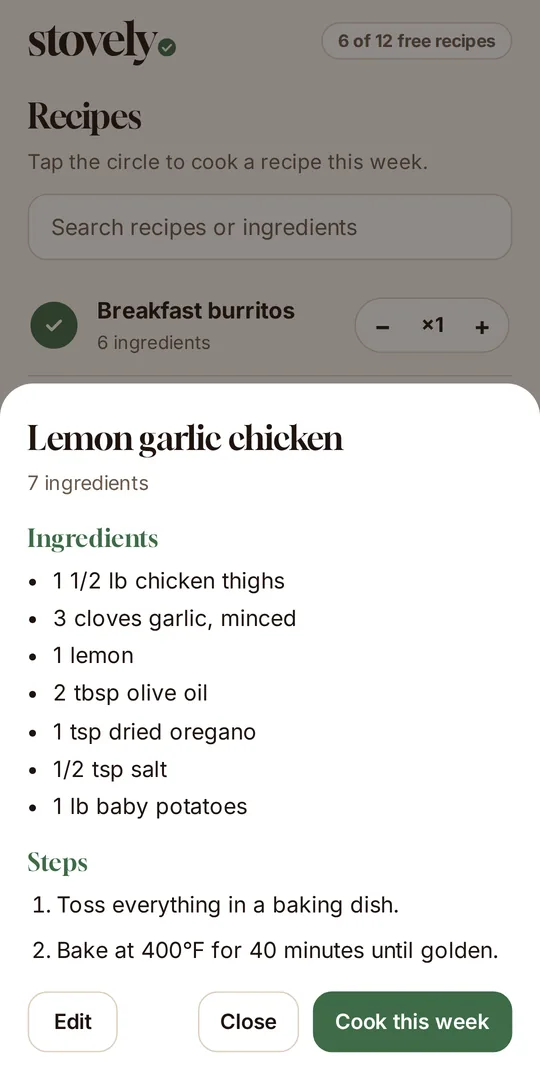
Three screens do the job: your recipes, the weekly list, and the recipe you’re cooking.
What you get
Everything is built around one job: turning the meals you plan into a list you can actually shop from.
½ cup of milk in one recipe and 1½ cups in another become 2 cups on your list.
Produce, dairy, meat, pantry, and more, so you’re not zigzagging through the store.
Paste a recipe link and Stovely fills in the ingredients and steps. If a site blocks it, paste the recipe text instead.
Keep the steps with each recipe and open them while you cook.
Send the list to a partner or roommate with Android’s share sheet.
No account, no ads, no tracking. Your recipes live on your phone.
Simple pricing
Save recipes for free. When your collection outgrows the free limit, one upgrade to Stovely Plus unlocks unlimited recipes. No subscription, and no renewals.
Questions
Not yet. It’s coming soon to Google Play for Android phones. There is no iPhone version at the moment.
No. Stovely works with the recipes you add yourself, so your list always matches what you actually cook.
On your phone. Stovely has no accounts and no servers for your recipes, so we never see them. You can save a backup from the More screen.
Yes. Your recipes and lists work without a connection. You only need to be online to import a recipe from a website or to buy Plus.
Most sites that publish standard recipe data. Some sites block apps, and Stovely will tell you when that happens so you can paste the recipe text instead.
Email hello@stovely.app.